To get started with the LAI Pro app on your Windows PC, follow these steps:
- Visit www.realtnetworking.com and go to
the products page.
- Download the LAI Pro app from the provided link and follow the on-screen
installation instructions.
- Once installed, open the LAI Pro app and follow the prompts to register and
purchase the software
subscription.
- After purchasing the subscription, you will receive your login credentials.
- Use these credentials to log in to the LAI Pro app on your Windows PC.
- Proceed to activate your instant tickets in the designated boxes within the
software.
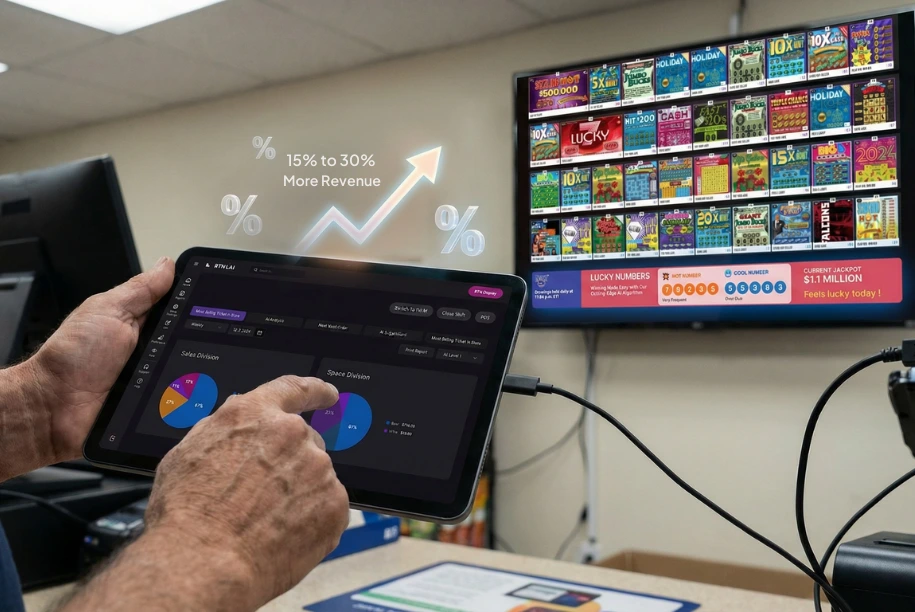
- Click on the 'Display' tab within the software, then open the Display app on
your Windows computer.
This will initiate a one-time activation process for the Display app,
enabling it to work with your TV
or display device.
If you have already subscribed to LAI Pro, the app will open automatically, and you
can proceed to activate
your instant tickets in the designated boxes within the software. The user manual
provides detailed guidance
on activating tickets and accessing the "Display" tab to subscribe to the RTN
Display service.
If you have not yet purchased the Display subscription, you can follow the steps
within the LAI Pro app
to subscribe to RTN Display. The user manual will walk you through the process of
accessing the "Display"
tab and subscribing to the service.




 ">
">


 ">
">



 ">
">